How to Make a Pride PFP: Step-by-Step Free Guide
Learn how to make a pride PFP in under a minute: pick from 28 pride flags, choose a ring, background, or overlay style, and download a free HD PNG.
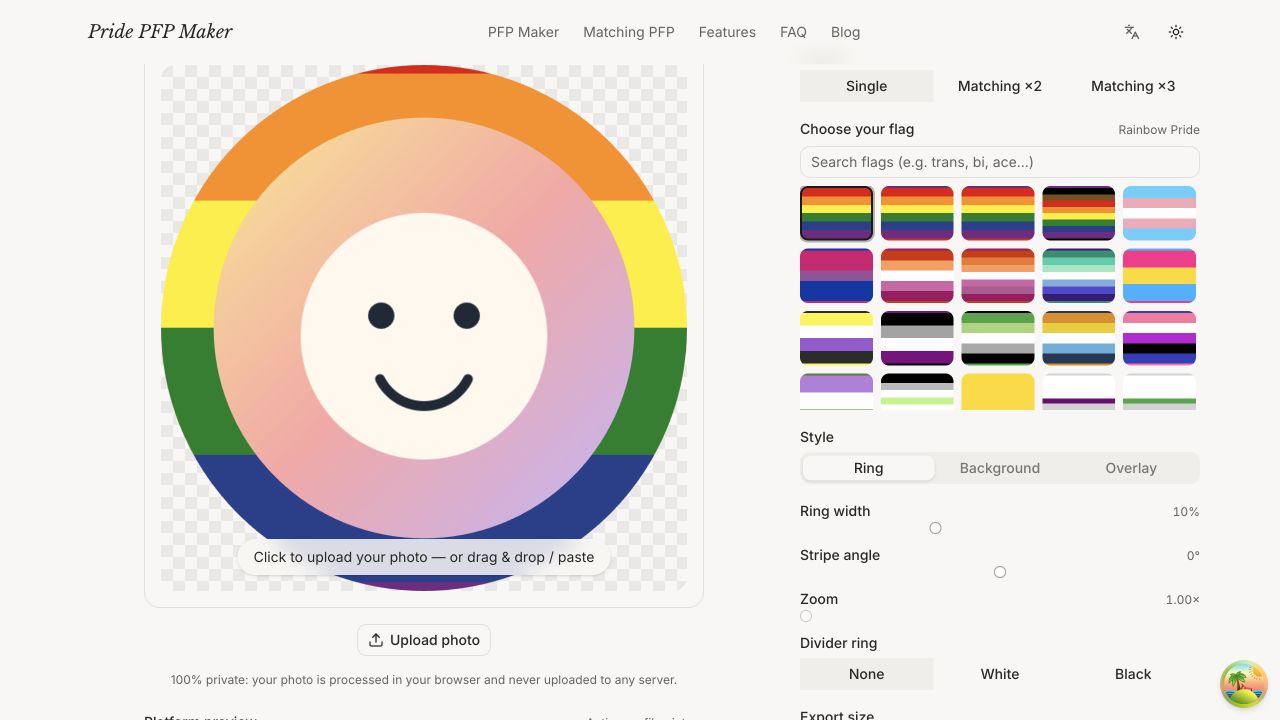
Wondering how to make a pride PFP that actually looks good — not just a flag slapped behind a blurry photo? You're in the right place. This guide walks you through everything: what makes a pride profile picture readable at tiny sizes, how to pick the flag and style that suit your photo, and the exact steps to build one with our free LGBTQ PFP maker. No design skills needed, no signup, no watermark — just a crisp HD avatar you'll actually want to use everywhere.
What Makes a Great Pride PFP
Before you touch any tool, it helps to know what separates a sharp pride PFP from a muddy one. Profile pictures live a hard life: they get shrunk down to 32 pixels in a chat sidebar, cropped into a circle, and viewed on dim phone screens. Three things matter most.
Readability at small sizes. Your face (or your fursona, or your cat) should still be recognizable when the avatar is the size of a thumbnail. That means your subject should fill most of the frame. If your photo is a full-body shot from ten feet away, crop in tight on the face before you do anything else.
Contrast between you and the flag. Pride flags are colorful by design, and some stripes will fight with your photo. A pale portrait in front of the transgender flag's white center stripe can wash out; dark hair against the rainbow flag's deep blue (#24408E) can disappear. The fix is usually simple: use a ring style so the flag frames you instead of sitting behind you, or nudge the crop so your subject sits over a contrasting stripe.
The circle crop. Almost every platform — Discord, Instagram, Twitter/X, TikTok, Twitch — displays avatars as circles. Anything in the corners of your square image gets cut off. Keep your subject centered and leave a little breathing room at the edges, especially if you're adding a flag ring around the outside.
Get those three right and even the simplest pride profile picture will look intentional and polished.
Choosing Your Flag
This is the fun part. Our pride PFP maker includes 28 flags, from the classics to newer designs, so whatever you're representing, it's probably in there. A few of the most-used ones and their exact colors:
- Rainbow Pride — the six-stripe classic descended from Gilbert Baker's original 1978 design: red (#E40303), orange (#FF8C00), yellow (#FFED00), green (#008026), blue (#24408E), and purple (#732982). It reads instantly at any size.
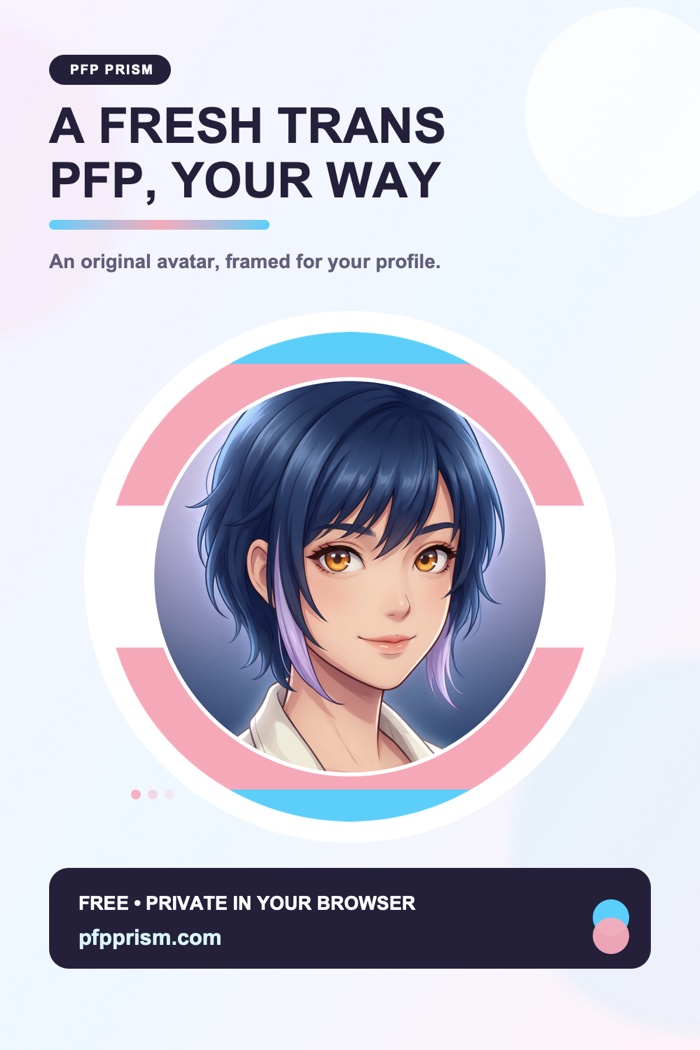
- Transgender — created by Monica Helms in 1999: light blue (#5BCEFA), pink (#F5A9B8), and white (#FFFFFF). Soft, bright, and beautiful as a ring.
- Bisexual — magenta (#D60270), purple (#9B4F96), and blue (#0038A8). High contrast, very bold.
- Lesbian — sunset oranges (#D52D00, #FF9A56) through white into pinks (#D362A4, #A30262). Warm and flattering next to most skin tones.
- Pansexual — hot pink (#FF218C), yellow (#FFD800), and cyan (#21B1FF). Arguably the most eye-catching flag at thumbnail size.
- Nonbinary — yellow (#FCF434), white (#FFFFFF), purple (#9C59D1), and near-black (#2C2C2C). Great built-in contrast.
You'll also find the Progress Pride flag, the Intersex-Inclusive Progress flag, asexual, aromantic, genderfluid, agender, and plenty more. If you want a deeper dive into what each flag means and where it comes from, we wrote a full guide to pride flag meanings and colors.
One honest tip: pick the flag that feels right, not the one that "matches your photo" best. You can always adjust the style until the two get along — that's what the next section is for.
Ring vs. Background vs. Overlay: Which Style Fits Your Photo
Every pride PFP boils down to one of three approaches, and our tool supports all of them. Knowing when each works best saves a lot of fiddling.
Ring style
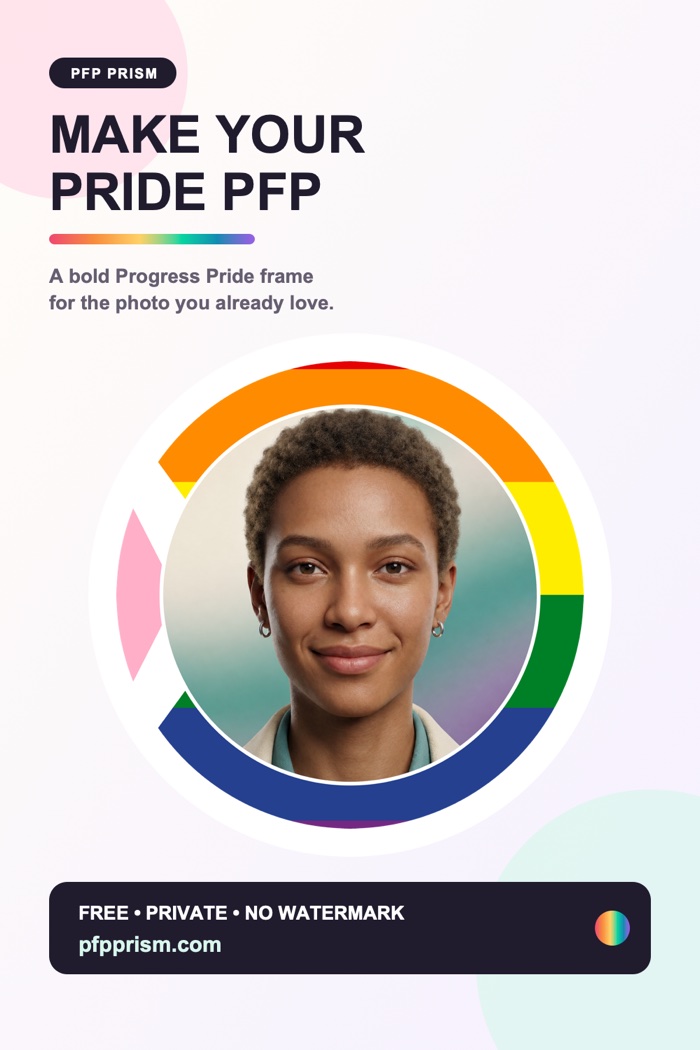
The flag becomes a circular border around your photo. This is the most popular choice for a reason: your photo stays completely untouched in the middle, so nothing competes with your face. Rings work with literally any photo — busy backgrounds, low light, group shots. If you're not sure where to start, start here. You can tweak the ring's thickness and even the stripe angle; a thicker ring makes a louder statement, a thin one is subtle enough for a work-adjacent account. For a full breakdown of border widths, gap rings, and gradient edges, see our pride flag border guide.
Background style
The flag fills the area behind your subject. This looks fantastic with photos that have a transparent background or a clean cutout — think a sticker-style portrait floating on the stripes. It's the boldest of the three styles because the flag occupies the most pixels. If your photo has its own background baked in, the flag will only peek around the edges, so this style shines brightest with PNG cutouts.
Overlay style
A translucent wash of the flag sits on top of your whole photo. It's the most subtle option — your image keeps its composition, and the flag reads as a tint. Overlays are perfect when you want to show pride without changing your recognizable avatar much, or during Pride Month when you're "flagging up" an existing PFP. Keep the opacity low enough that your face still reads clearly.
Can't decide? Try ring first, then flip through the other two — switching styles takes one click, so auditioning all three costs about ten seconds.
How to Make a Pride PFP (Step by Step)
Here's the whole process using our free pride PFP maker. It runs entirely in your browser, and your photo never leaves your device — everything is processed locally, with no upload to any server.
- Upload your photo. Open the pride PFP generator and drop in any image — JPG, PNG, whatever you have. A tight, centered portrait works best, but you can re-crop in the next steps.
- Choose your flag. Browse or search the 28 flags. Searching "trans," "bi," or "enby" jumps straight to the right one.
- Pick a style. Toggle between ring, background, and overlay to see which one suits your photo. This preview updates live, so just eyeball it.
- Adjust until it clicks. Zoom and drag your photo inside the circle, tweak the ring width or overlay opacity, and rotate the stripe angle if you want a diagonal look. Small nudges make a big difference at avatar size.
- Download your HD PNG. One click exports a high-resolution transparent PNG — free, no watermark, no signup, no account. Upload it to any platform and you're done.
The whole thing genuinely takes under a minute once you've picked a photo.
Sizing and Platform Notes
Good news: you don't need a different file for every app. Our exports are high-resolution square PNGs, and a 1024 × 1024 image works everywhere — Discord, Instagram, Twitter/X, TikTok, Twitch, Reddit, Slack, you name it. Every platform downscales from there, and starting big means your stripes stay crisp instead of turning into compression mush.
Two platform-specific notes worth knowing:
- Discord crops avatars to a circle and shows them very small in chat, so ring styles with slightly thicker borders hold up best. We cover server-specific tricks in our Discord pride PFP guide.
- Instagram and TikTok compress uploads noticeably. Uploading the full-resolution PNG (rather than a screenshot of it) keeps colors from banding.
If a platform ever asks for a smaller file, downscaling a big PNG always looks better than upscaling a small one.
Ideas to Make Yours Stand Out
Once you've got the basics down, a few easy upgrades:
- Angle the stripes. Rotating the flag ring 30–45 degrees instantly looks more designed than straight horizontal stripes.
- Try a divider ring. A thin gap between your photo and the flag ring adds a clean, badge-like finish.
- Stack subtle with bold. A soft overlay tint plus a thin matching ring reads as one cohesive design.
- Make it a pair. Our matching PFP maker splits one design across two avatars, so you and a partner or best friend each get one half of a matching set.
Frequently Asked Questions
Is the pride PFP maker really free? Yes — completely. No watermark, no signup, no locked "pro" export. We built this as a free tool for the community, and the HD download is the same for everyone.
Do I need a transparent-background photo? Only for the background style, and even then it's optional. Ring and overlay styles work perfectly with any ordinary photo straight off your camera roll.
Which style looks best on a phone? Ring, usually. At small sizes a flag ring stays legible while overlays can get lost. If you mostly use Discord or messaging apps, start with a medium-thick ring.
Can I use my pride PFP anywhere? Yes. The exported PNG is yours — use it on any platform, print it on a sticker, whatever you like.
Ready to see your own? Open the free pride PFP maker, drop in a photo, and you'll have a crisp, HD pride profile picture before your coffee gets cold. 🏳️🌈
使用 Maker 制作的 PFP 灵感
参考这两个完成效果,开始设计你自己的骄傲头像。