Pride Flag PFP Border Guide: Ring, Frame & Circle Tips
Learn how to add a pride flag pfp border to any photo — ideal ring width, per-flag tips, and a free no-watermark tool for the classic rainbow circle look.
You've seen the look everywhere: a circular profile photo wrapped in a crisp ring of flag stripes. It's the single most popular pride PFP style for a reason — it adds your colors without covering your face, and it works on every platform from Discord to Instagram. This guide is all about getting that pride flag PFP border exactly right: what the style is actually called, the ring width that looks clean instead of clunky, tips for each flag, and a step-by-step walkthrough using our free LGBTQ PFP maker — no watermark, no signup, nothing to install.
Border, ring, frame, circle — four names, one effect
Before anything else, let's clear up the vocabulary, because people search for this style under a surprising number of names:
- Pride flag border — the most common phrasing
- Pride ring or flag ring — popular on Discord and Twitter
- Pride frame — Facebook made this term stick years ago with its profile frames
- Rainbow circle around my picture — what most people actually type into a search bar
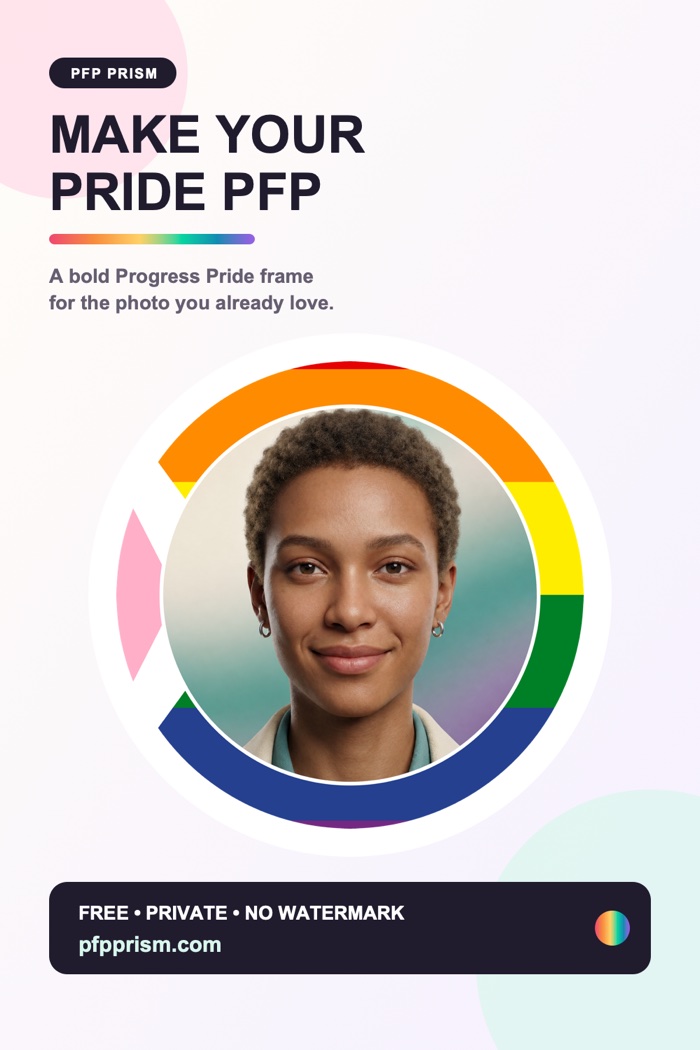
They all mean the same thing: a circular band of flag stripes drawn around the edge of your profile photo. Your picture stays fully visible in the middle; the flag lives in the ring around it. That's what separates a border from a background style (flag behind a cut-out of you) or an overlay style (flag tinted softly across the whole image). If you're brand new to pride profile pictures in general, our complete pride PFP guide covers all three styles — this post goes deep on the border.
What makes a pride flag border actually look good
Anyone can slap stripes around a circle. The difference between "clean and intentional" and "cluttered" comes down to three small decisions.
Ring width: the 8–12% sweet spot
Width is measured as a percentage of your image size. In our testing across hundreds of combinations, 8–12% is the sweet spot for most flags:
- Below ~6%, the ring reads as a thin colored line at avatar sizes. On a 40px Discord thumbnail, a six-stripe rainbow ring that thin becomes an unreadable smear.
- Above ~15%, the border starts eating into your photo. Faces get crowded, and the PFP looks more like a badge than a portrait.
- 8–12% keeps every stripe distinguishable at small sizes while leaving your face as the clear focal point.
A useful rule: the more stripes a flag has, the closer to 12% you should go, so each stripe keeps enough physical width to stay visible.
The divider ring
A thin neutral ring — usually white or dark, just 1–2% wide — placed between your photo and the flag border does a lot of quiet work. It stops busy photo edges (hair, patterned shirts, foliage) from visually colliding with the stripes, and it makes the whole composition look deliberate. If your border ever feels "muddy," a divider is almost always the fix. Match it to your photo: white dividers suit bright photos, dark ones suit moody lighting.
Stripe angle
Horizontal stripes are the classic, faithful-to-the-flag choice and the safest default. Rotating the stripes slightly — around 20–45 degrees — gives the ring a dynamic, sash-like feel that a lot of people love for the rainbow flag in particular. Vertical stripes are rarer and read less clearly as a flag, so use them only if you're going for something intentionally different. When in doubt, stay horizontal: recognizability is the whole point.
Border tips for every kind of flag
Not all flags behave the same inside a thin circular band. Here's how to think about the main categories — and if you want the story behind each flag, our pride flag meanings and colors guide covers all of them.
Three-stripe flags: go as thin as you like
Flags with only three bold stripes stay readable even at narrow widths, so you can run them as slim as 6–8% for a subtle look:
- Bisexual — magenta (#D60270), purple (#9B4F96), blue (#0038A8)
- Pansexual — pink (#FF218C), yellow (#FFD800), blue (#21B1FF)
- Genderqueer — lavender (#B57EDC), white (#FFFFFF), green (#4A8123)
These high-contrast tricolors are honestly the easiest flags to border with — nearly every width works.
Five- and six-stripe flags: stick to the sweet spot
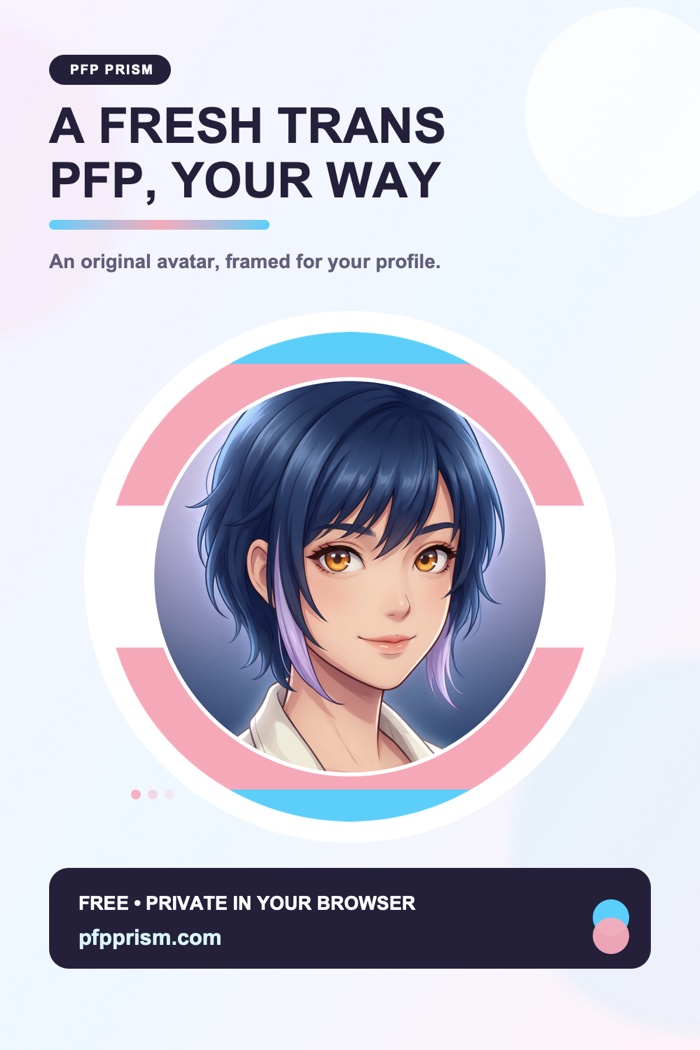
The rainbow flag (#E40303, #FF8C00, #FFED00, #008026, #24408E, #732982 — the six-stripe version descended from Gilbert Baker's 1978 original), the transgender flag (#5BCEFA, #F5A9B8, #FFFFFF), and the five-stripe lesbian flag (#D52D00, #FF9A56, #FFFFFF, #D362A4, #A30262) all sit comfortably at 9–12%. Any thinner and the middle stripes start disappearing at thumbnail size. For trans and lesbian rings specifically, a white divider works beautifully because it echoes the white center stripe already in the flag.
Busy flags: go wider
Flags with chevrons, symbols, or seven-plus stripes need more room to breathe:
- Progress Pride adds five chevron colors (#FFFFFF, #FFAFC8, #74D7EE, #613915, #000000) on top of the six rainbow stripes — eleven colors total. Give it 12–15% so the chevron elements stay recognizable rather than dissolving into confetti.
- Philadelphia Pride (eight stripes, adding #000000 and #784F17 above the rainbow) likes 11–14%.
- Intersex is the opposite case: a yellow field (#FFD800) with a purple circle (#7902AA) is so simple and bold that it looks striking at any width.
If a busy flag still feels chaotic as a border, that's a genuine signal to try the background style instead — which brings us to the next question.
Border vs. background: which style should you pick?
Both styles are one click apart in our editor, so it's worth knowing when each shines.
- Choose a border when your photo matters — your face, your fursona, your art. The ring frames without covering, and it survives every platform's circular crop perfectly.
- Choose a background when your photo has transparent or plain surroundings (a cut-out selfie, a rendered character) and you want the flag to fill the whole canvas behind you. It's bolder and shows more of the flag.
- Can't decide? Border is the safer default. It's the style most people mean when they say "pride PFP," and it never hides anything you care about.
There's no wrong answer — and since switching takes one click, you can preview both before downloading.
How to make a pride flag PFP border (free, in your browser)
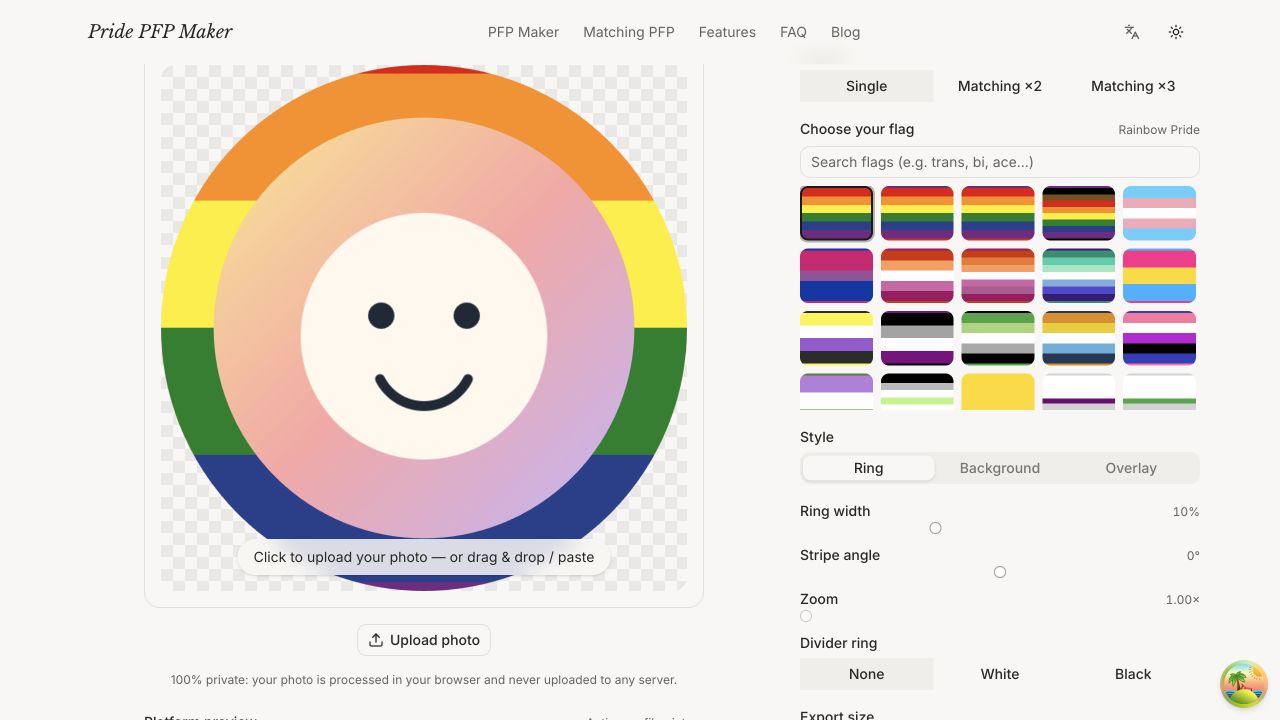
Here's the whole process with our pride PFP maker — it takes about a minute:
- Upload your photo. Drag in any image; square or not, you'll crop in the next step. Your photo never leaves your browser — everything renders on your own device, so nothing gets uploaded to a server.
- Choose your flag. Pick from 28 pride flags, from rainbow and trans to aroace, genderfluid, and bear.
- Pick the Ring style. That's the border effect. (You can tap Background or Overlay to compare, then come back.)
- Adjust the ring. Set the width — start at 10% and nudge from there — add a divider ring if your photo edge is busy, and try a slight stripe angle if you want extra flair.
- Frame your photo. Zoom and drag until your face sits nicely inside the ring.
- Download your HD PNG. One click exports a high-resolution transparent PNG. Free, no watermark, no account.
If your new PFP is destined for Discord, our Discord pride PFP guide has sizing and server-profile tips worth a look.
How do I get the rainbow circle around my profile picture?
Upload your photo to a pride PFP maker, select the rainbow flag, choose the ring (border) style, and download. With our tool that's genuinely the entire process — no design skills, no Photoshop, no app install.
Why does my PFP have white corners, and how do I avoid them?
Some editors export circular avatars as JPGs, which can't store transparency, so the corners get filled with white. Export as a transparent PNG instead — our tool does this by default — and the corners stay invisible on every platform.
Is there a watermark on the downloaded image?
No. Your exported PNG is full resolution and completely clean — no watermark, no logo, no signup required.
Can two people get matching borders?
Yes — matching pride borders are a classic couple and best-friend move. Our matching PFP maker splits one photo into two coordinated avatars that share the same flag ring, so the halves line up when your profiles sit side by side.
The flag-ring look has stayed the definitive pride PFP style for years because it just works — your face, your colors, zero clutter. Open the free pride PFP border maker, try a few widths, and wear your flag well. 🏳️🌈
PFP inspiration made with the Maker
Two finished looks to spark your own pride profile picture.